
Salesloft Extractor
Pulling data from Salesloft
Prerequisite: Getting your Salesloft API token
In order to allow Definite to access and sync data from your Salesloft you first need to create a Salesloft API key. You can follow the Salesloft instructions on how to do this.
Definite Instructions
Go to this link to add an integration. Search for our Salesloft extractor and click it.
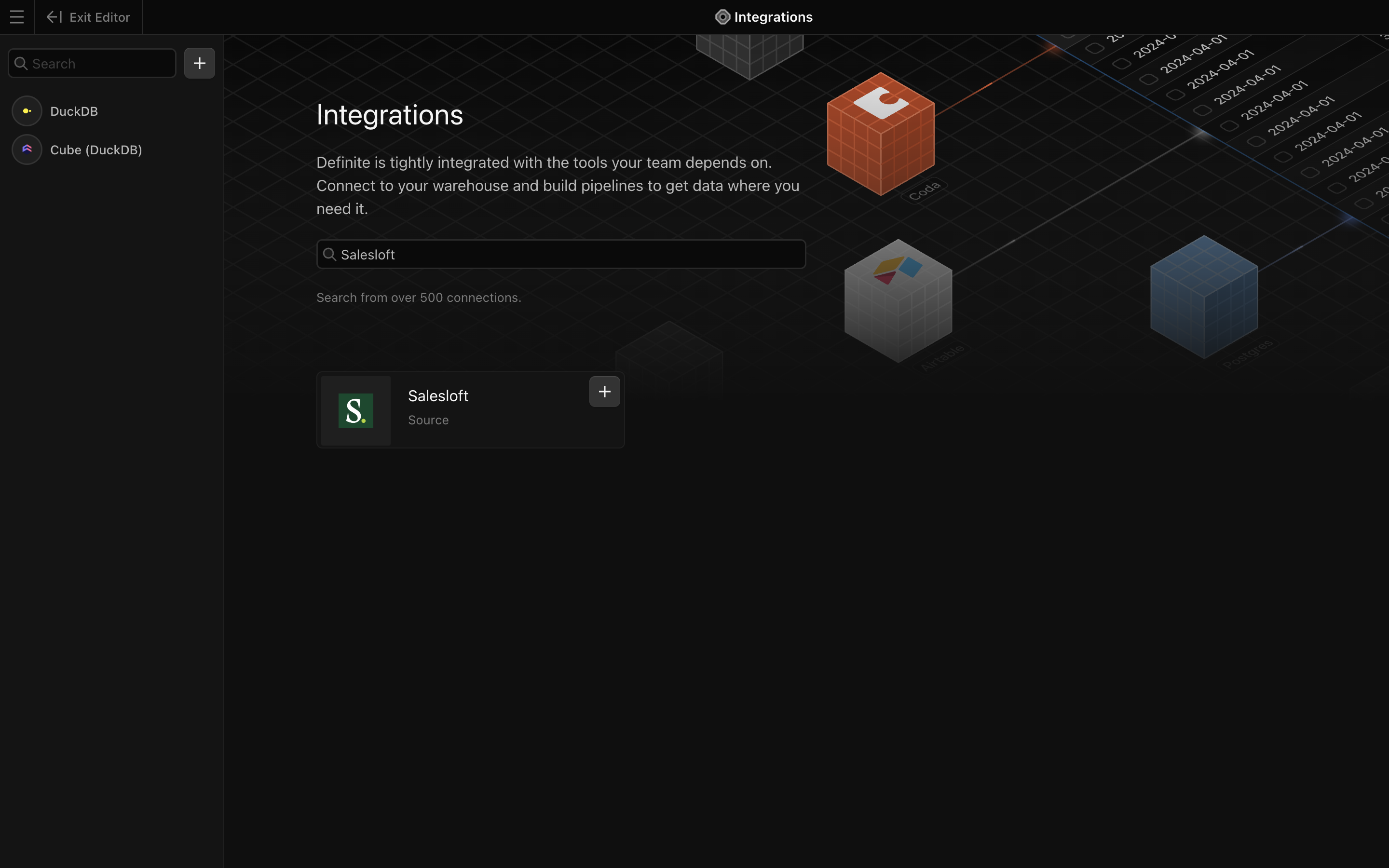
You should see a form like this pop up:
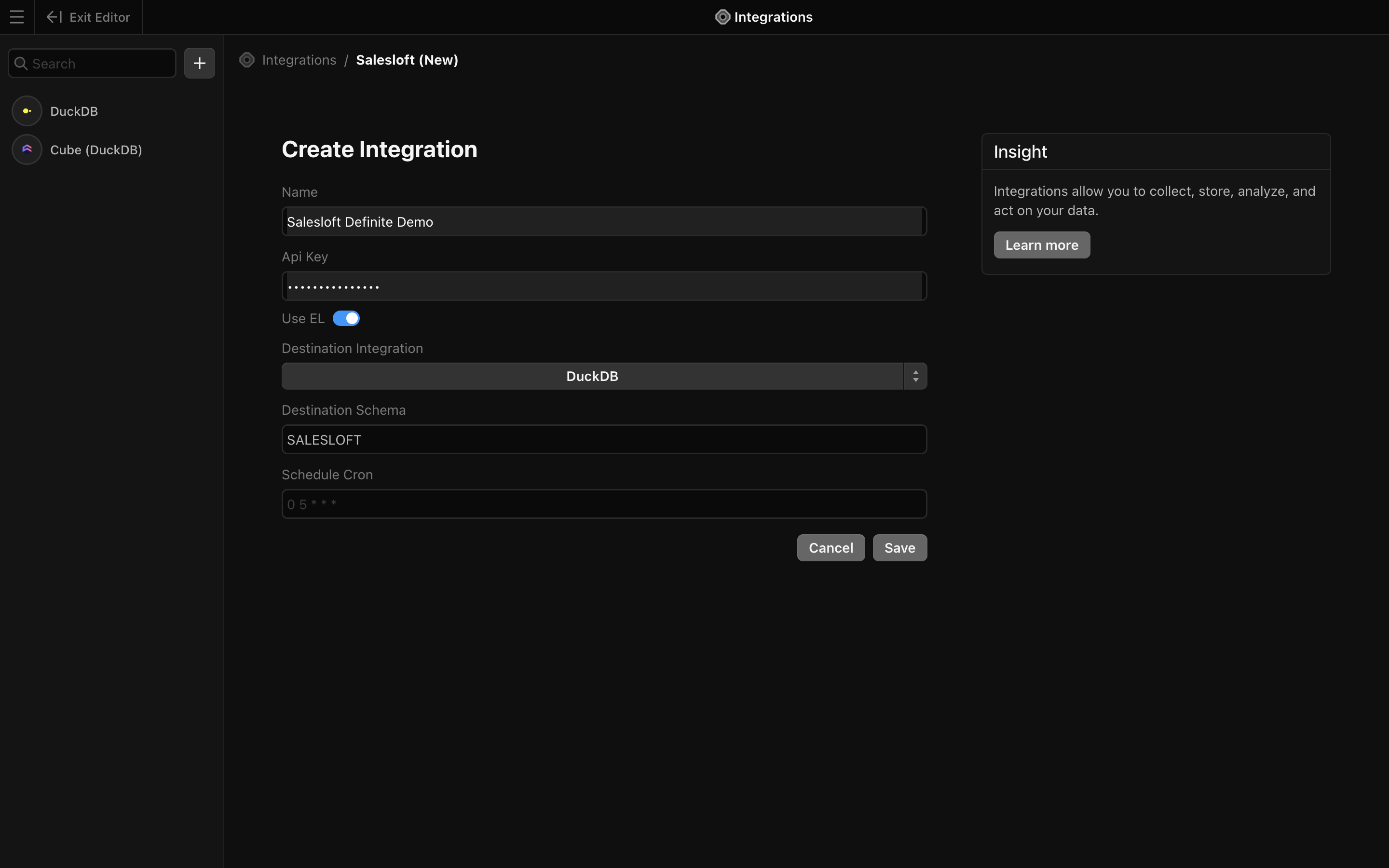
Make sure the Use EL button is selected so that the fields Destination Integration, Destination Schema, and Schedule Cron are visible.
To fill out the form:
Name: Give your integration an easily identifiable nameApi Key: paste in the Salesloft API key you createdDestination Integration: where you want your Salesloft data to be synced to. For most customers this will be the Definite managed data warehouse,duckdb.Destination Schema: Should auto-populate with the name `Salesloft``. Only change if you want to rename the schema in which your Salesloft data will be synced to.Schedule Cron: Schedule for how frequently your data syncs. You can use the default of once a day at 5AM UTC (`0 5 * * *``) or you can set your own schedule. This tool is helpful in converting your desired timing to cron syntax.
Click Save. Your data should be taken back to the main Integrations page and your data will start syncing.