
Uploading Local Files
Upload local files and analyze them in your Canvas
Definite supports uploading local CSV files to the Definite Canvas powered by DuckDB in the backend. To upload a CSV:
In the Canvas you want to analyze the CSV file in, simply drag the file name from your local machine onto the Canvas.
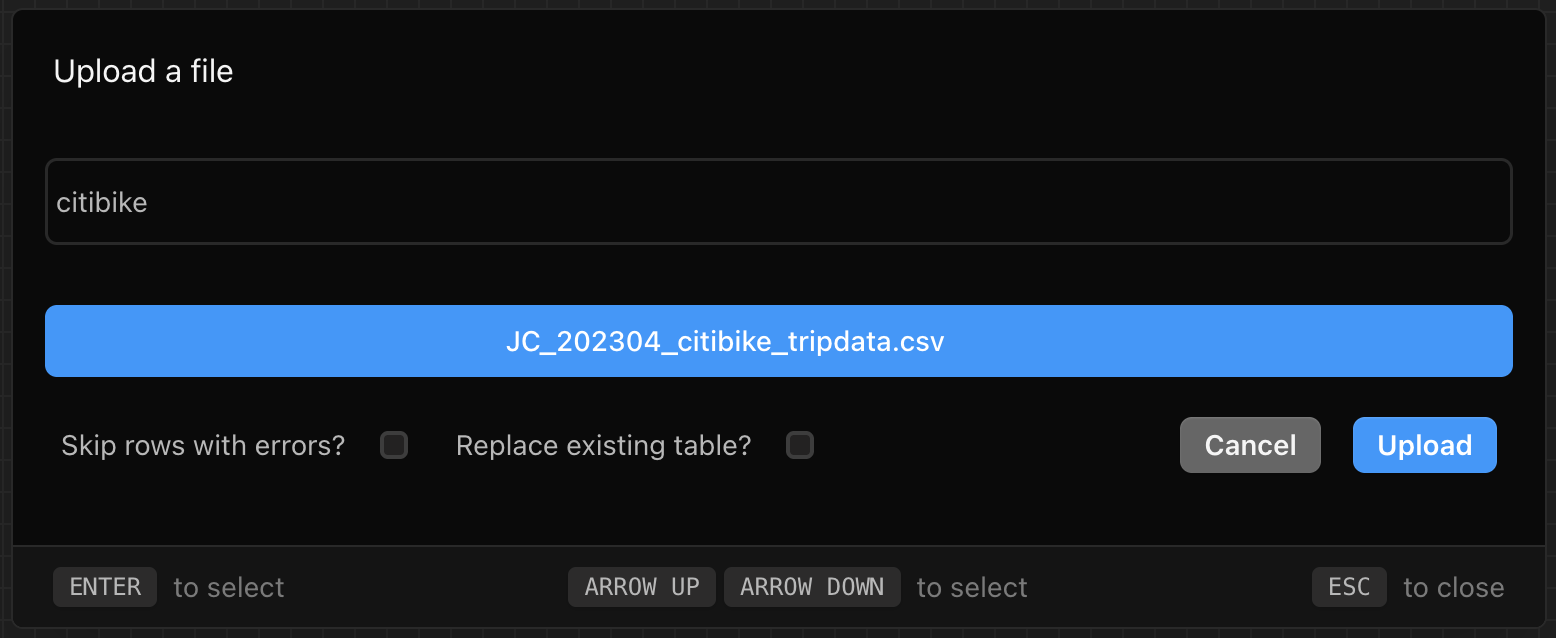
An Upload a file box should pop up asking you to name the file and click Upload.
Once the file has been uploaded, a new block will be created in your Canvas with the uploaded file as the data source.